🔐 FilesStayLocal™
← Back to All Examples

Receipts → Expense Report

Three receipts. One organized Excel expense report. See the real Desktop workflow.

Select receipt files

Screenshot 1 of 8
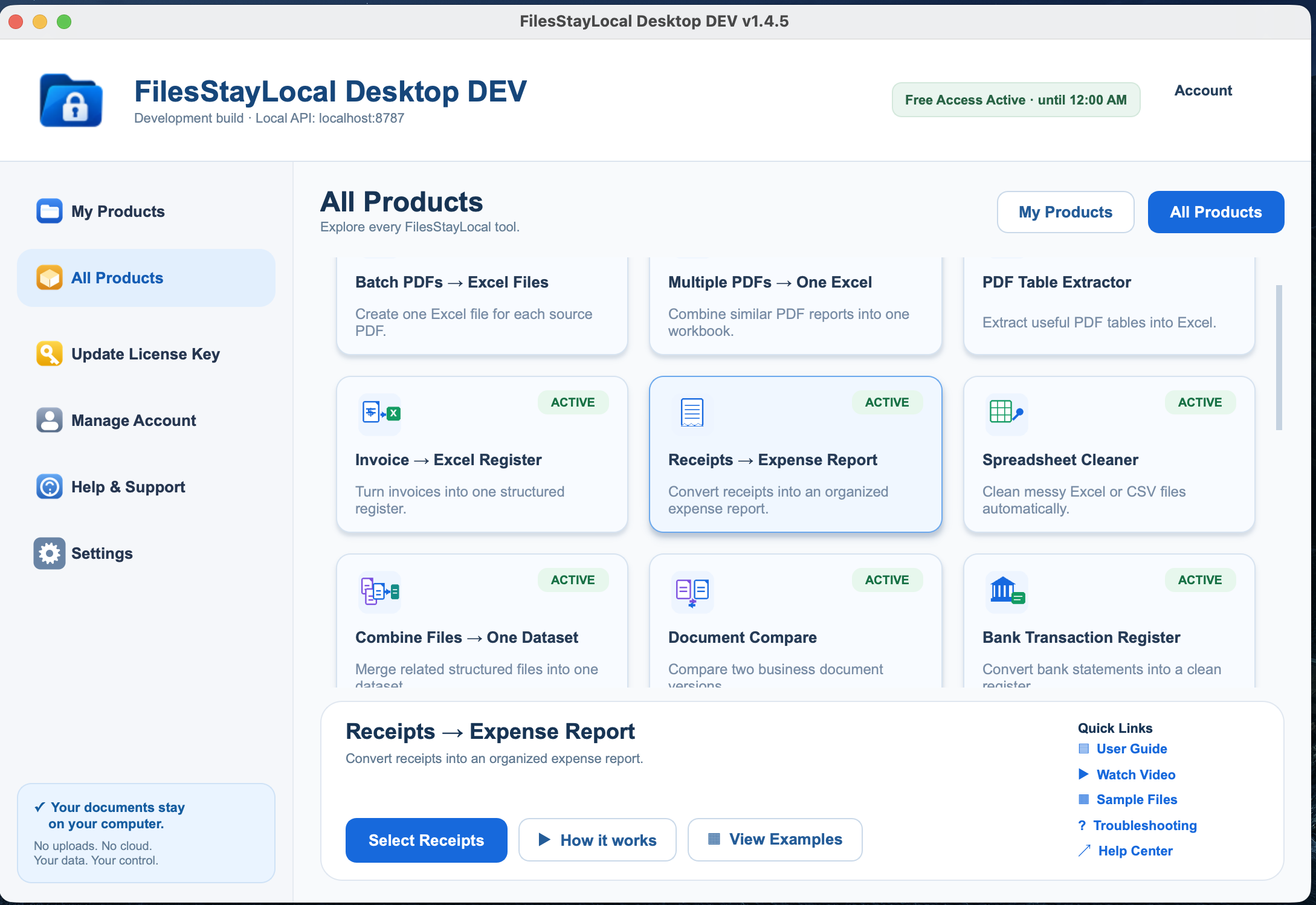
FilesStayLocal Receipts to Expense Report screenshot 1
Choose Receipts → Expense Report
1 · Select receipts (1–5)
2 · Process (6–7)
3 · Excel output (8)
Actual result: 3 receipts processed into 3 Excel rows

USD and EUR receipts, tax, tips, payment methods, dates and source filenames appear in the workbook. Files are processed locally.

Click the screenshot to enlarge, then use ← → to continue. Escape closes the viewer.

← Back to All Examples