← Premium Tools
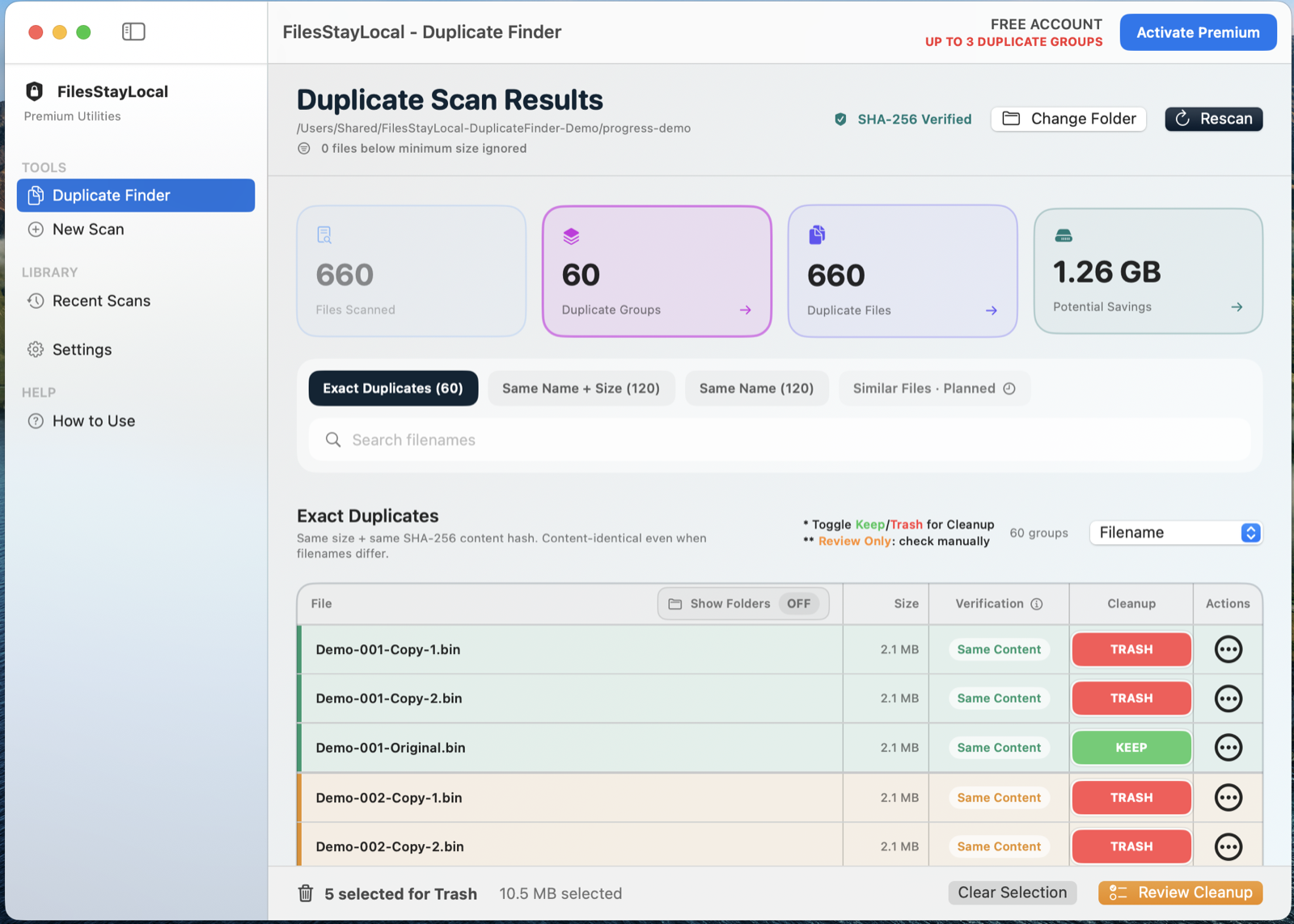
Duplicate Finder application view
SAFE DUPLICATE CLEANUP
Duplicate Finder
Find duplicate files without guessing what is safe to remove.
Duplicate Finder scans locally, groups duplicate files together and lets you review what will happen before cleanup.
Mac — Available Now
⊞ Windows — Coming Soon
See how it works
A clear workflow with your files staying on your computer.
1
Choose a folder
2
See confirmed groups
3
Review KEEP / TRASH
4
Review cleanup
Free vs Permanent Premium
Same core engine. Premium removes the workflow limit.
Free Account
Clean up to 3 duplicate groups at a time.
- Same privacy and processing engine
- Local desktop processing
- Good for occasional use
Permanent Premium
Unlimited duplicate-group cleanup.
- No recurring subscription
- Designed for regular workflows
- One-device licence that you can move yourself
- No background licence monitoring
Why upgrade?
Useful for larger photo collections, Downloads folders, archives and drives where many duplicate groups can accumulate.
Useful for larger photo collections, Downloads folders, archives and drives where many duplicate groups can accumulate.
Privacy by design
Never uploaded
Your working files remain on your computer.
Same core engine
Free users do not receive weaker privacy or accuracy.
Permanent Premium
No recurring subscription.
User-controlled transfer
You initiate moving Premium when you change computers.
Frequently asked questions
Does Free use weaker duplicate detection?
No. Free and Premium use the same duplicate-detection and safety engine.
What does Premium change?
Premium removes the three-group cleanup limit.
Are files deleted automatically?
No. Cleanup remains user-controlled and destructive actions require confirmation.