
Remove sensitive PDF information before sharing.
Review sensitive content, mark it for redaction, and inspect a separate exported PDF.
Download for MacmacOS 14+ · Version 0.0.54
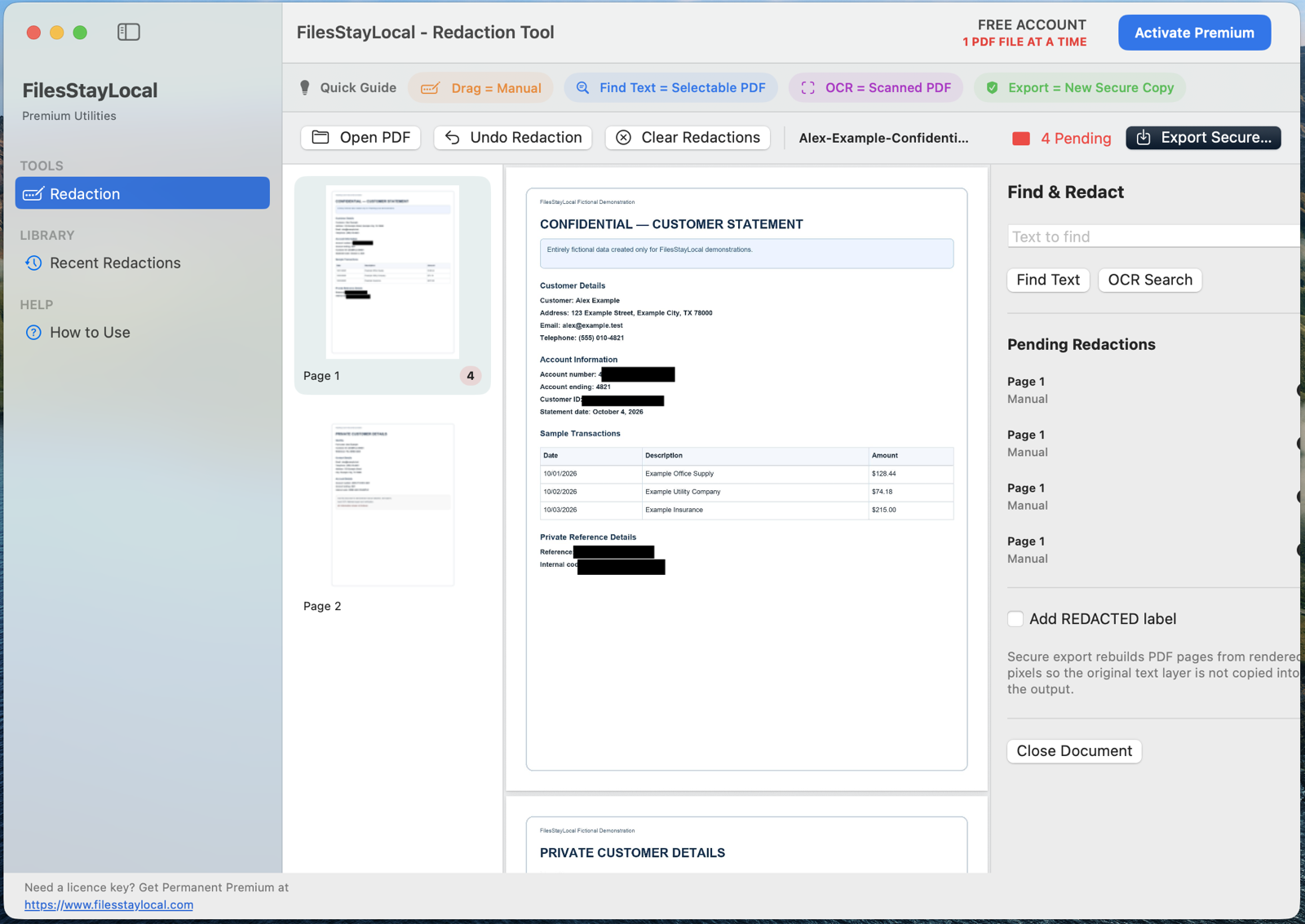
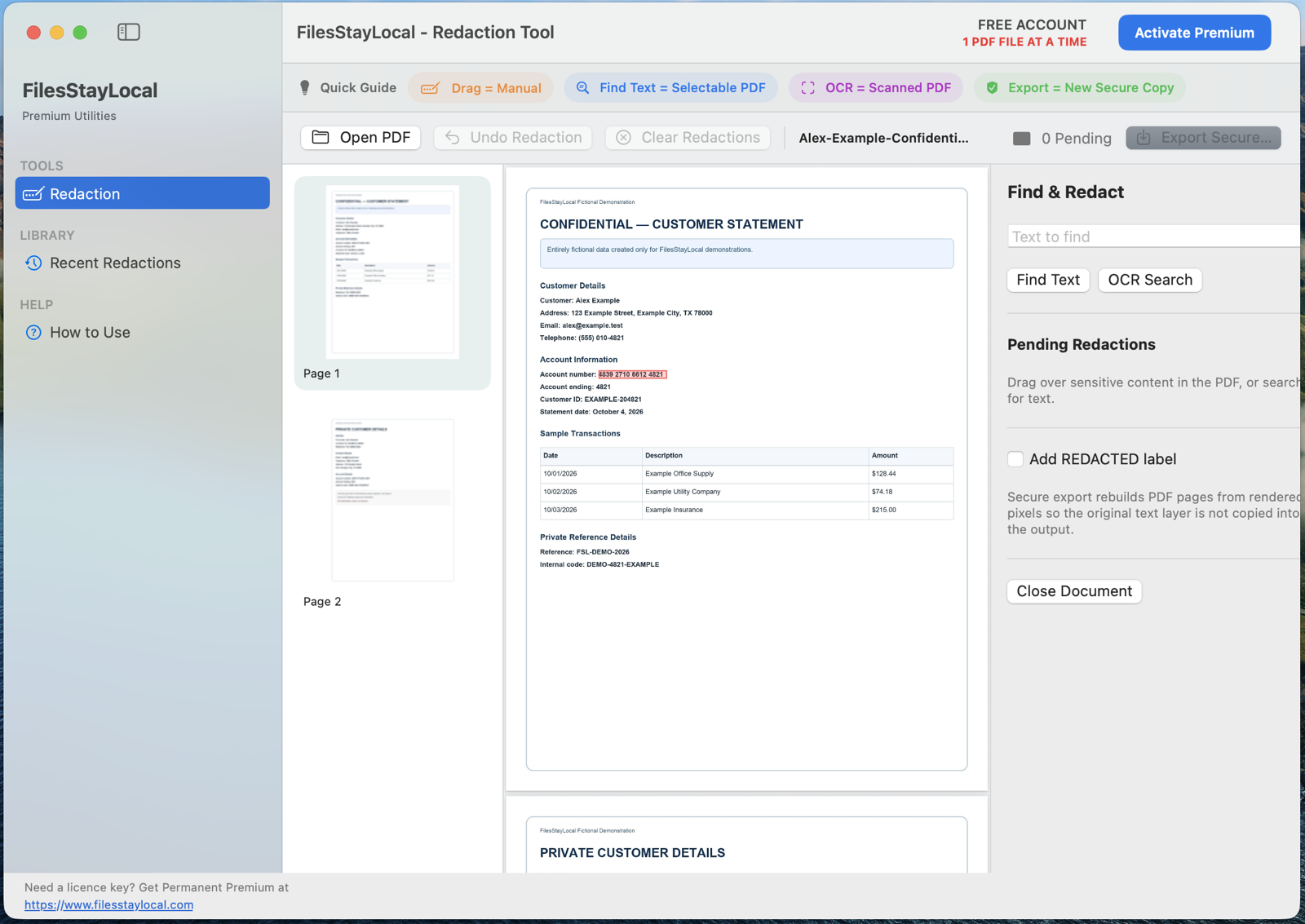
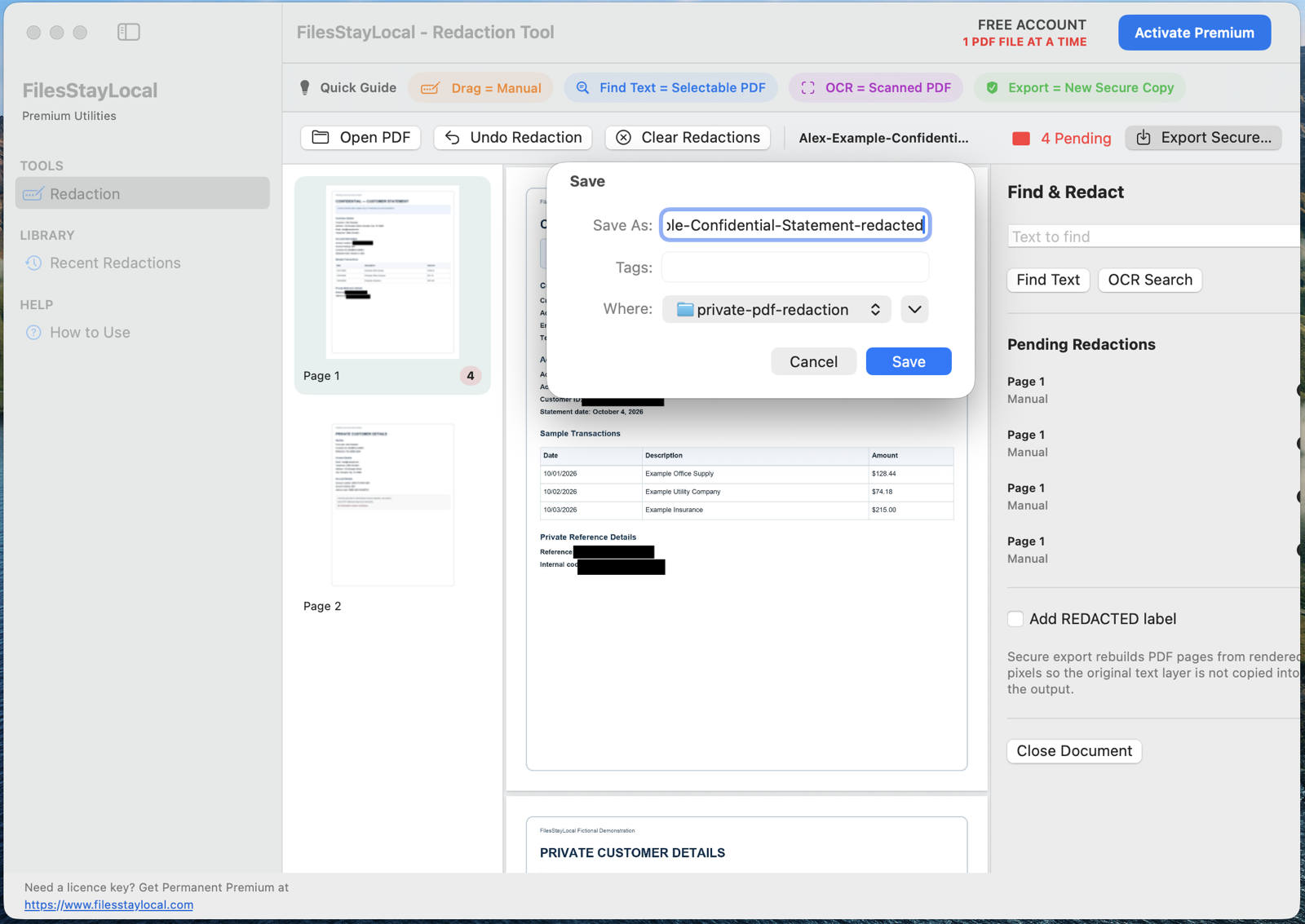
See the application in action
Actual screenshots from an earlier Mac application build. The release interface may differ.
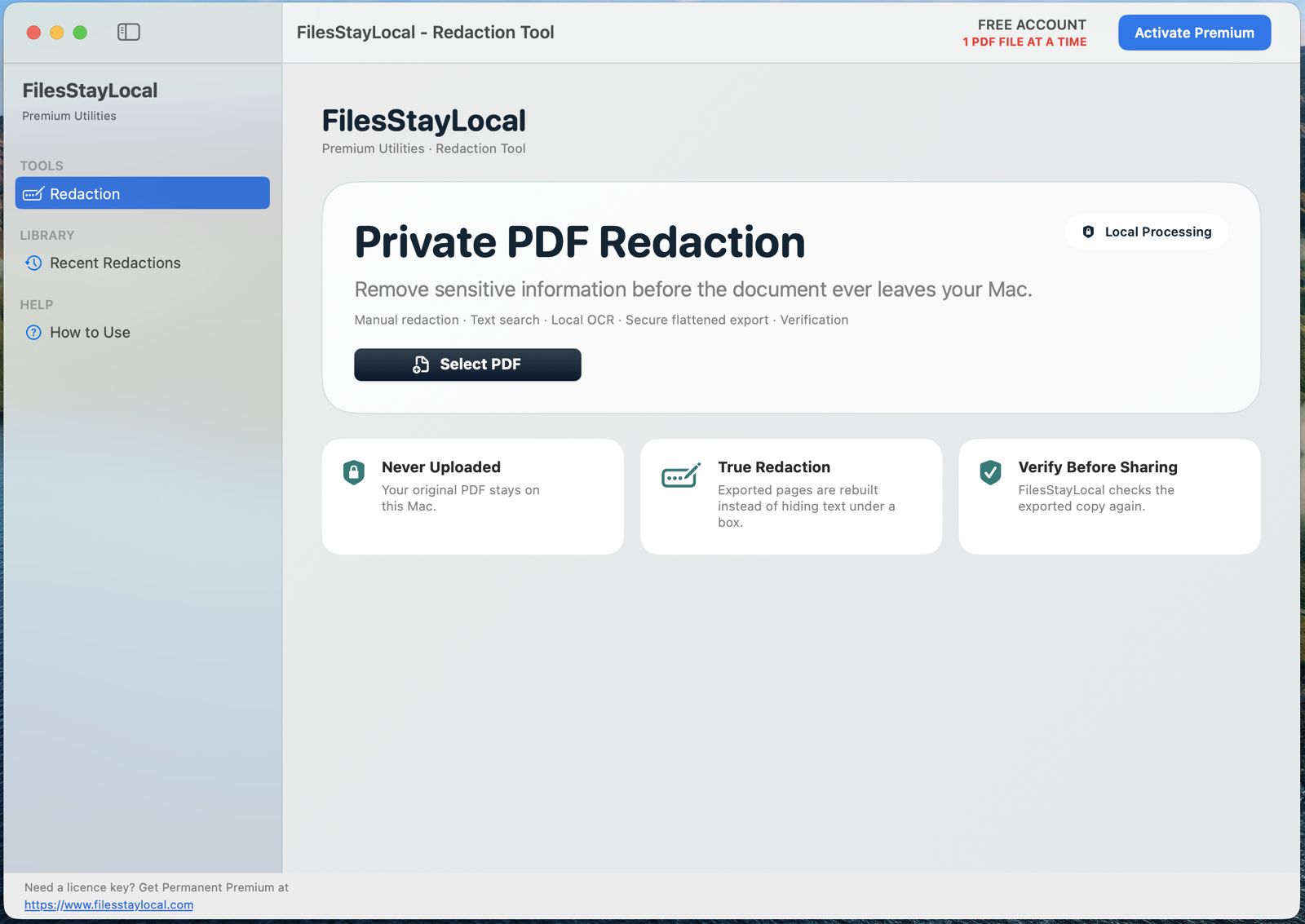
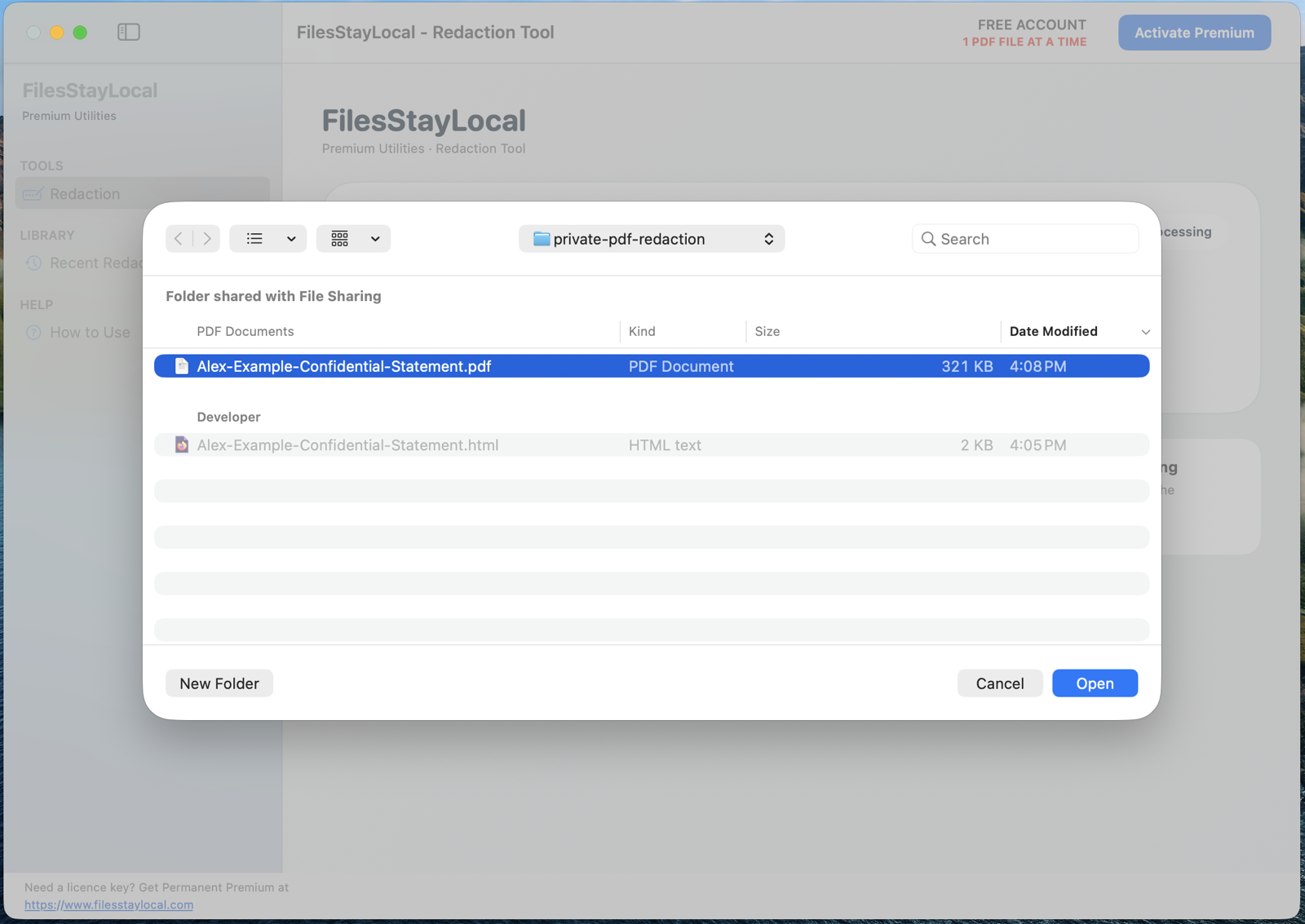
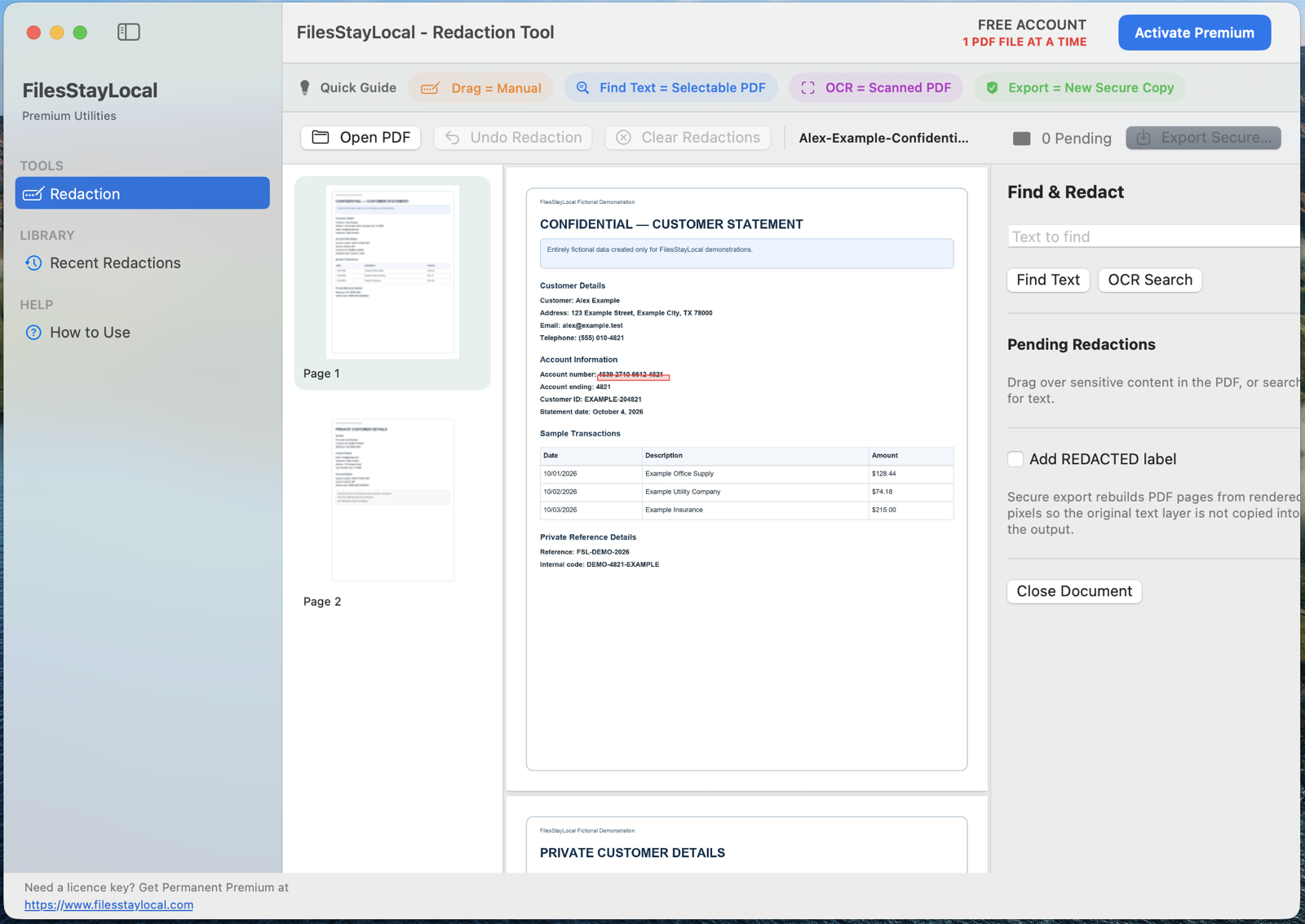
How it works
Important details before using this tool
- Always verify that sensitive content cannot be recovered from the exported PDF.
- A visual black rectangle alone is not proof of secure redaction.
- Review every page, including attachments and other potentially sensitive information.
- Keep the original document separately when required.
Connect your account
- Download and install this signed and notarized Mac application.
- Open the app and choose Connect My Account. In your browser, create an account or sign in and complete email verification.
- Choose Connect This App, then return to the Mac application and confirm your connected account.
- When eligible, choose Start FREE Full Access inside the app. Your one 24-hour period begins only from that explicit action.
Registration, verification, sign-in, downloading and account connection never start the countdown. Closing and reopening the app does not restart or extend access.
Privacy & FREE Full Access
File-processing operations are designed to run locally on your Mac. Review each application's supported features before processing sensitive files.
After you connect an eligible verified account, you can explicitly start one 24-consecutive-hour FREE Full Access period per tool. Downloading, installing, or connecting an account does not start the countdown.
Permanent licences are coming soon and are not currently for sale. The Mac app is available to download. Eligible verified accounts can activate 7 consecutive days of FREE Full Access by selecting Start FREE Full Access in the Mac app.